 RAYS
by Sketchbot Studios
RAYS
by Sketchbot Studios
Designed for iPhone Duo
Portable Path Tracer
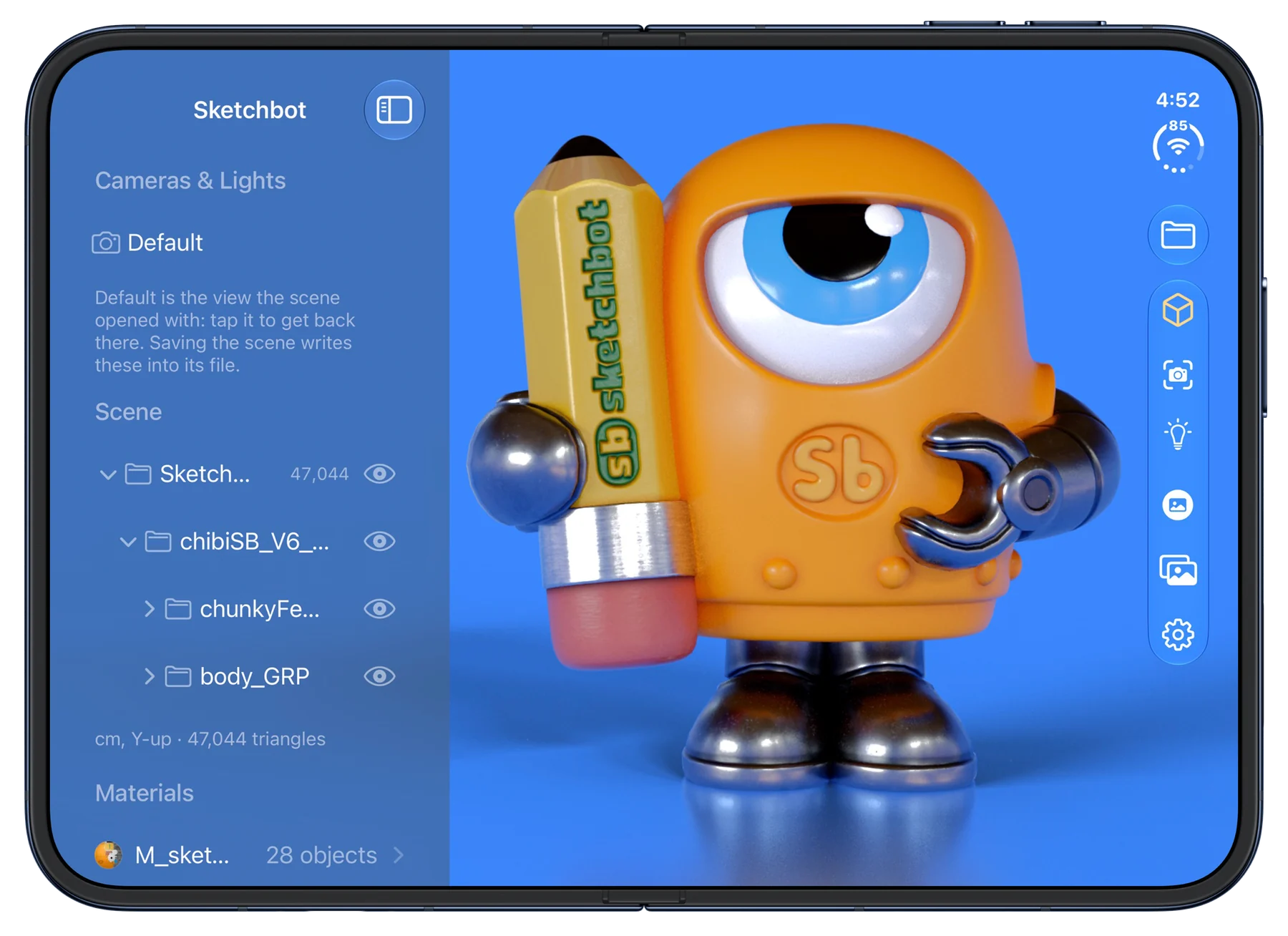
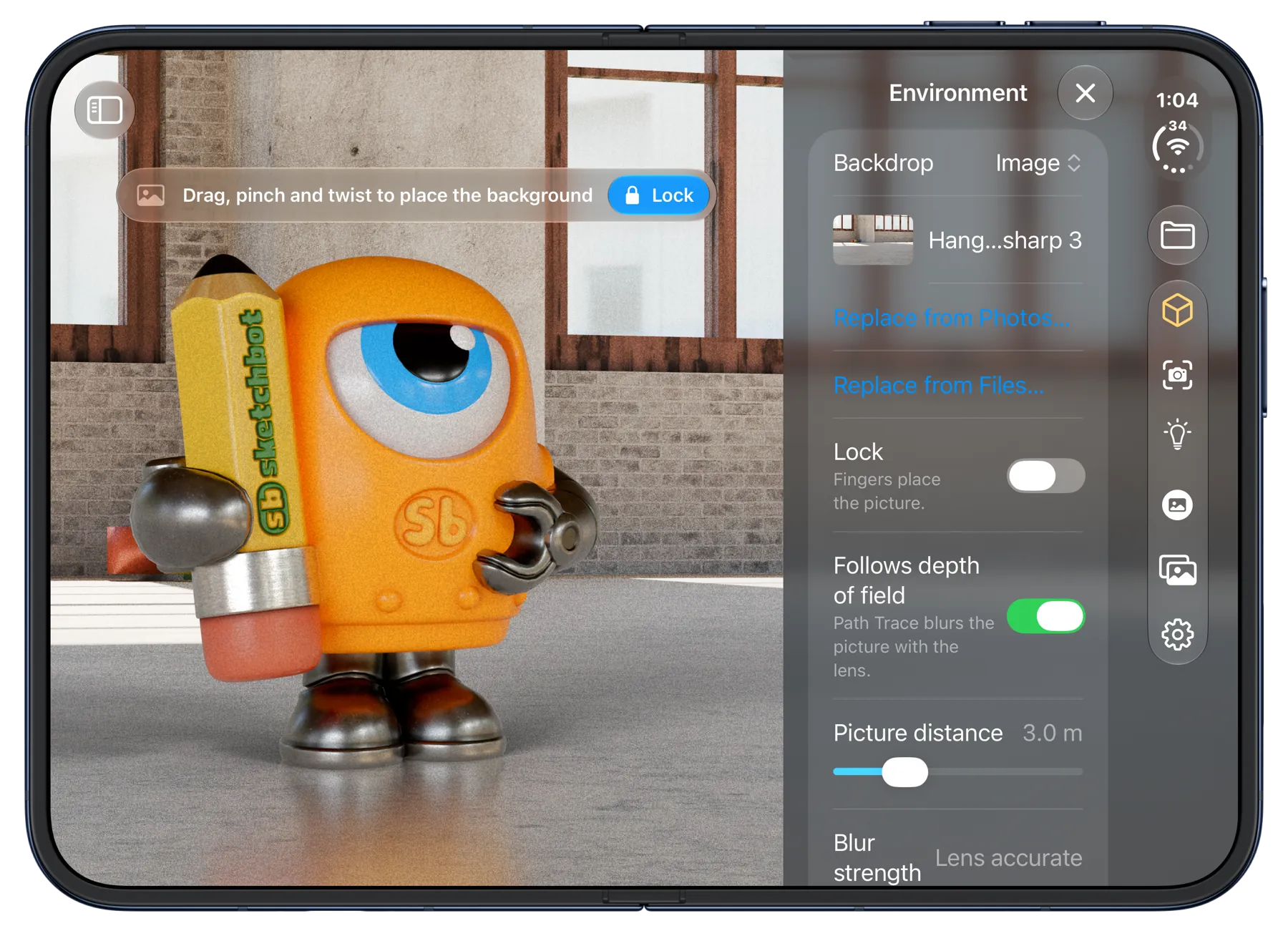
Bring your 3D models to life with real path-traced light, right on your iPhone. Open USDZ, glTF or OBJ, light it with an HDRI, and render a photoreal image in seconds.
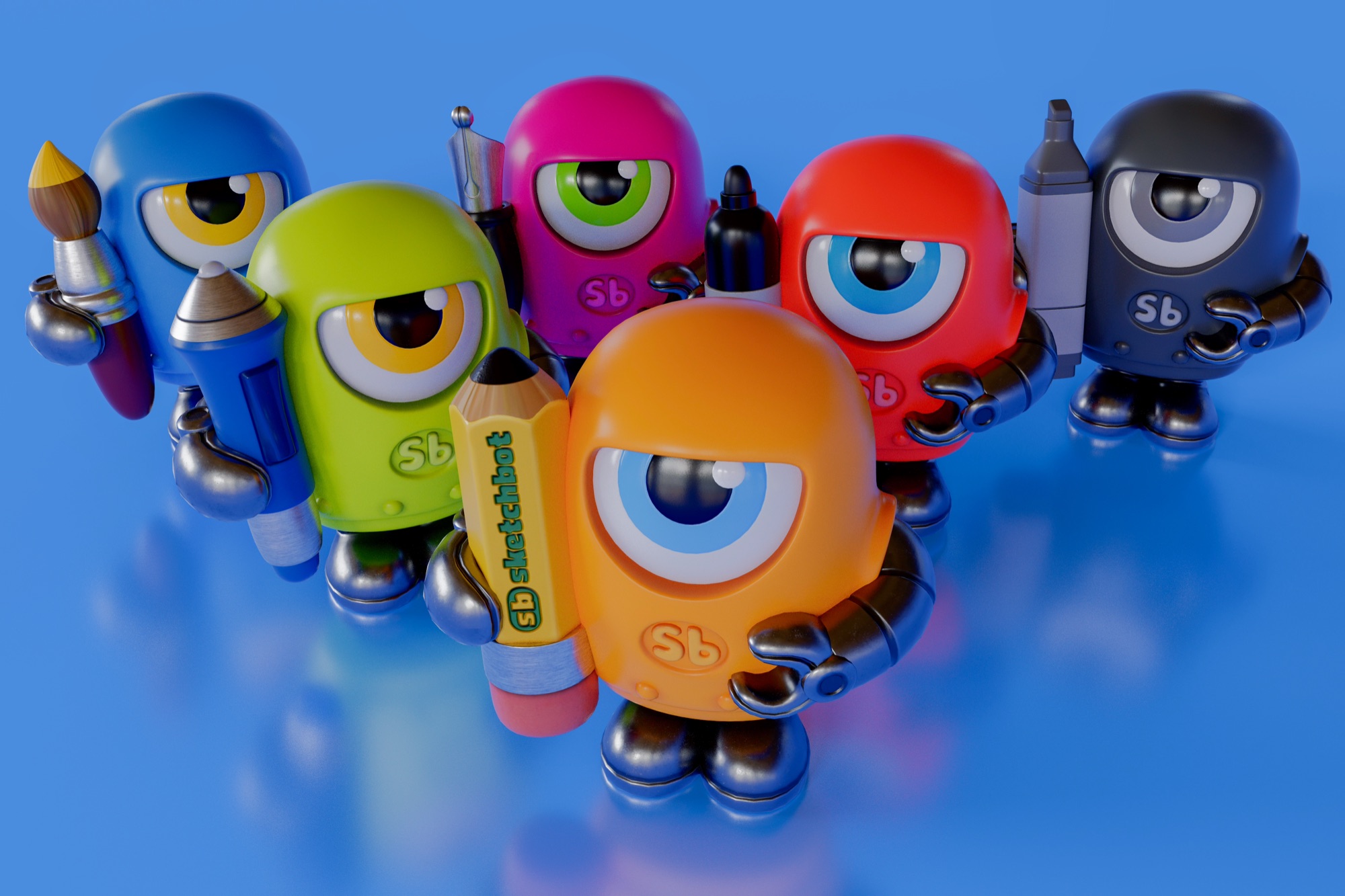
Sketchbots, rendered in RAYS
The same kind of light simulation used by film and product-visualization renderers, running on your iPhone's hardware ray tracing.

As a computer graphics artist for more than 30 years, I've always loved the idea of creating on the go: real images, made wherever I happen to be. RAYS is the first app in a creative suite built on that philosophy.
Steve Talkowski, Sketchbot Studios
Designed for iPhone Duo
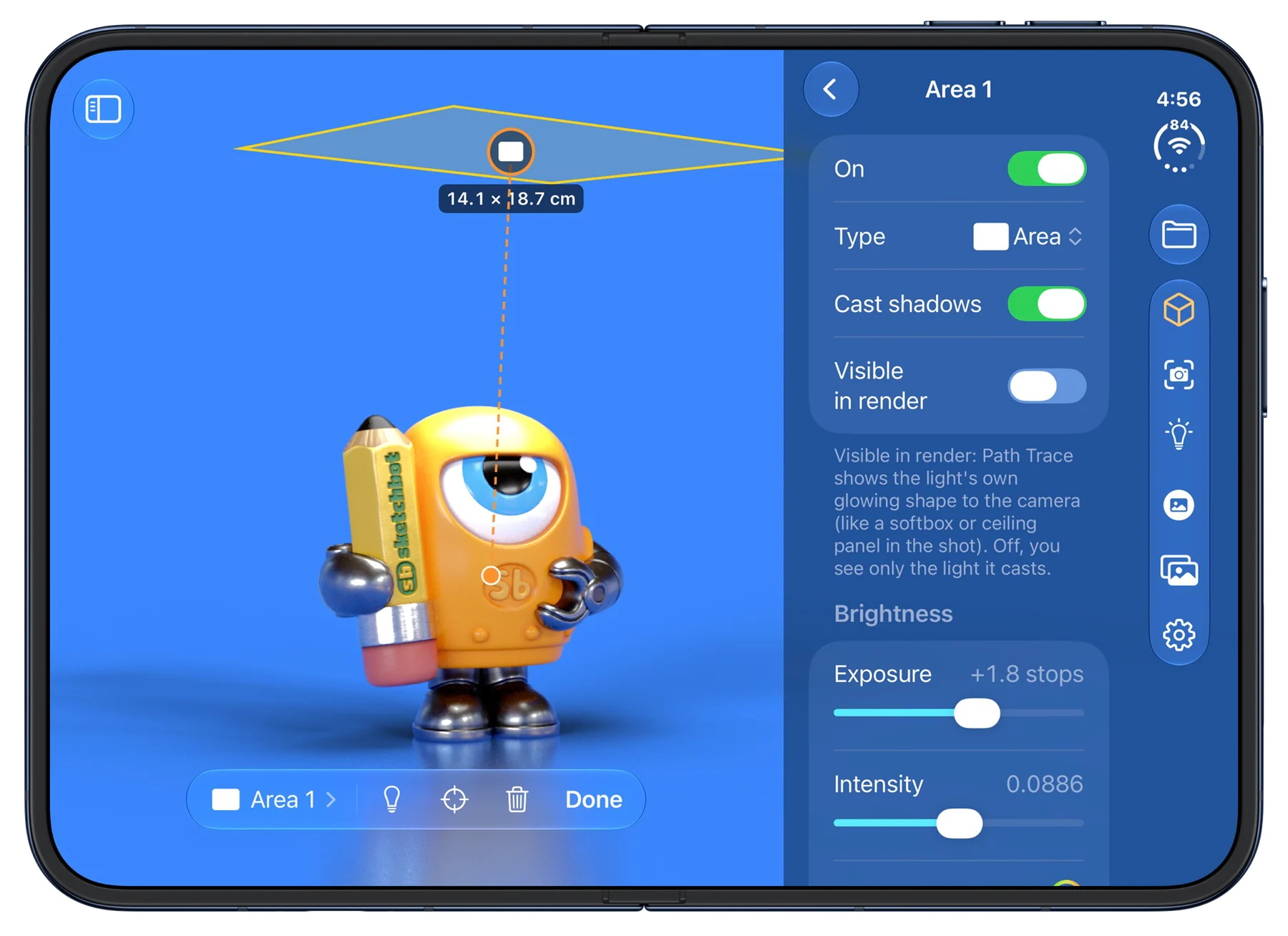
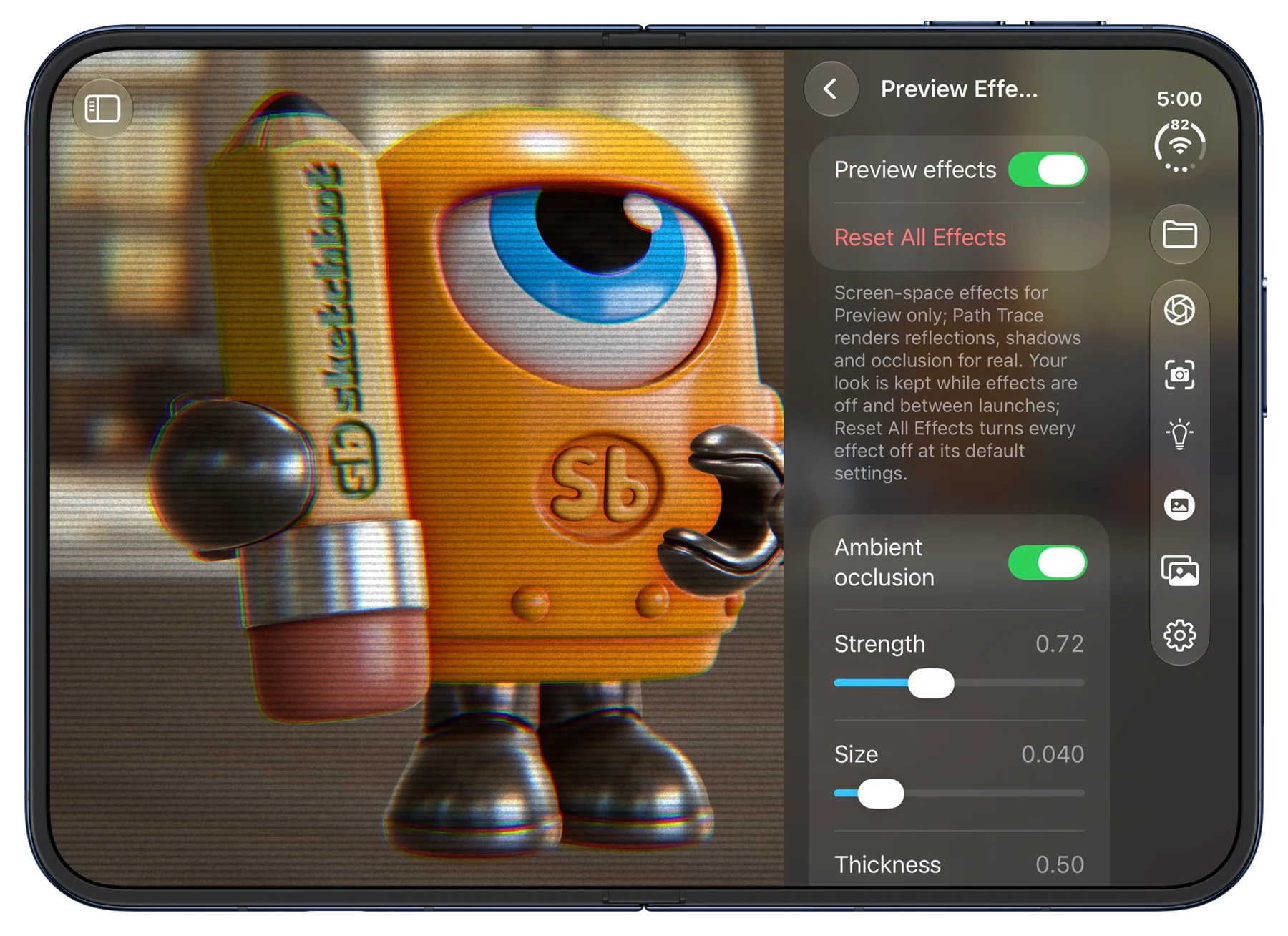
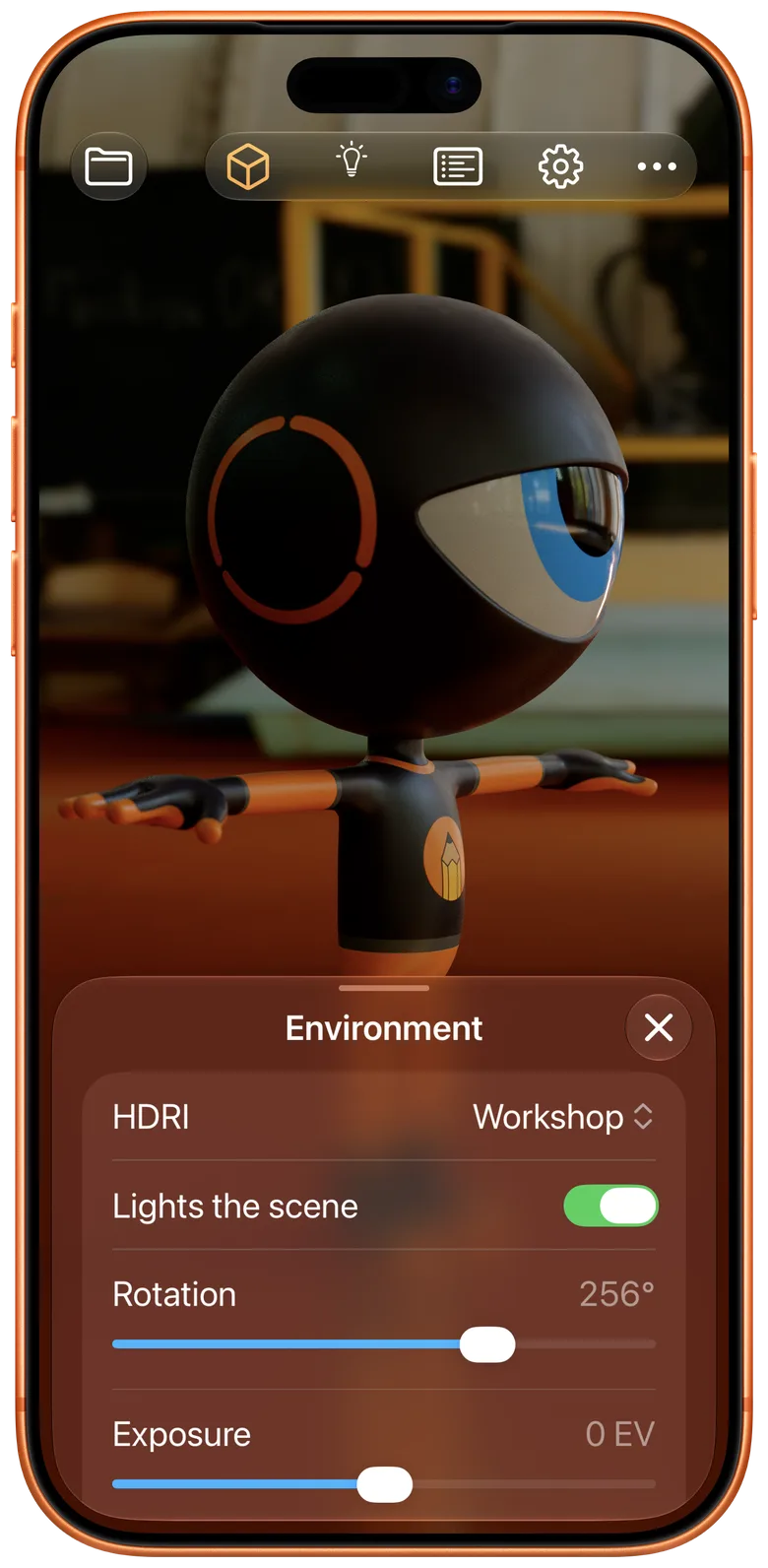
RAYS was designed for iPhone Duo from the start. Open it up for a wide canvas with the panels beside your render; fold it closed and the whole studio is still in one hand. It's at home on every iPhone with hardware ray tracing, too.
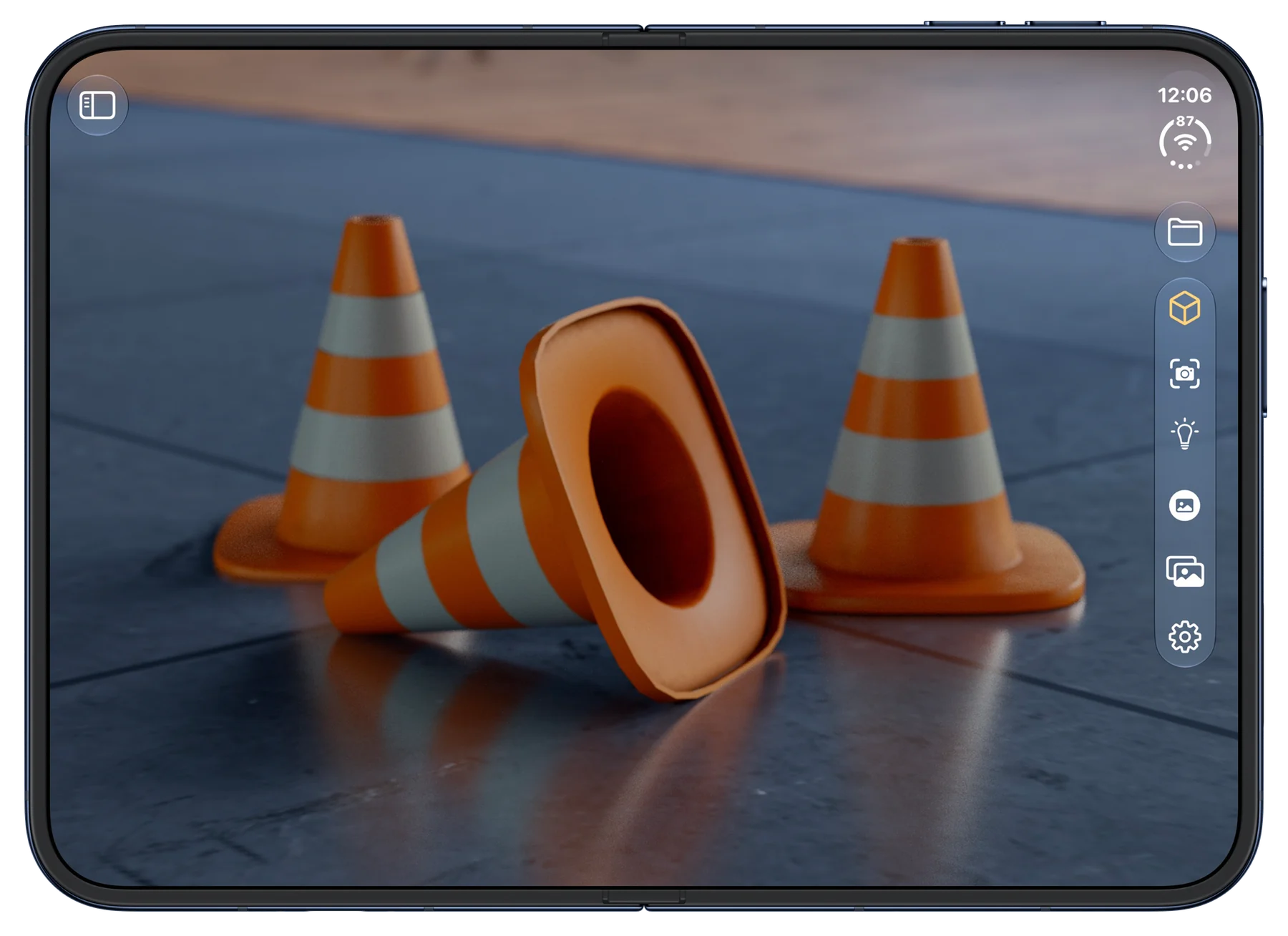
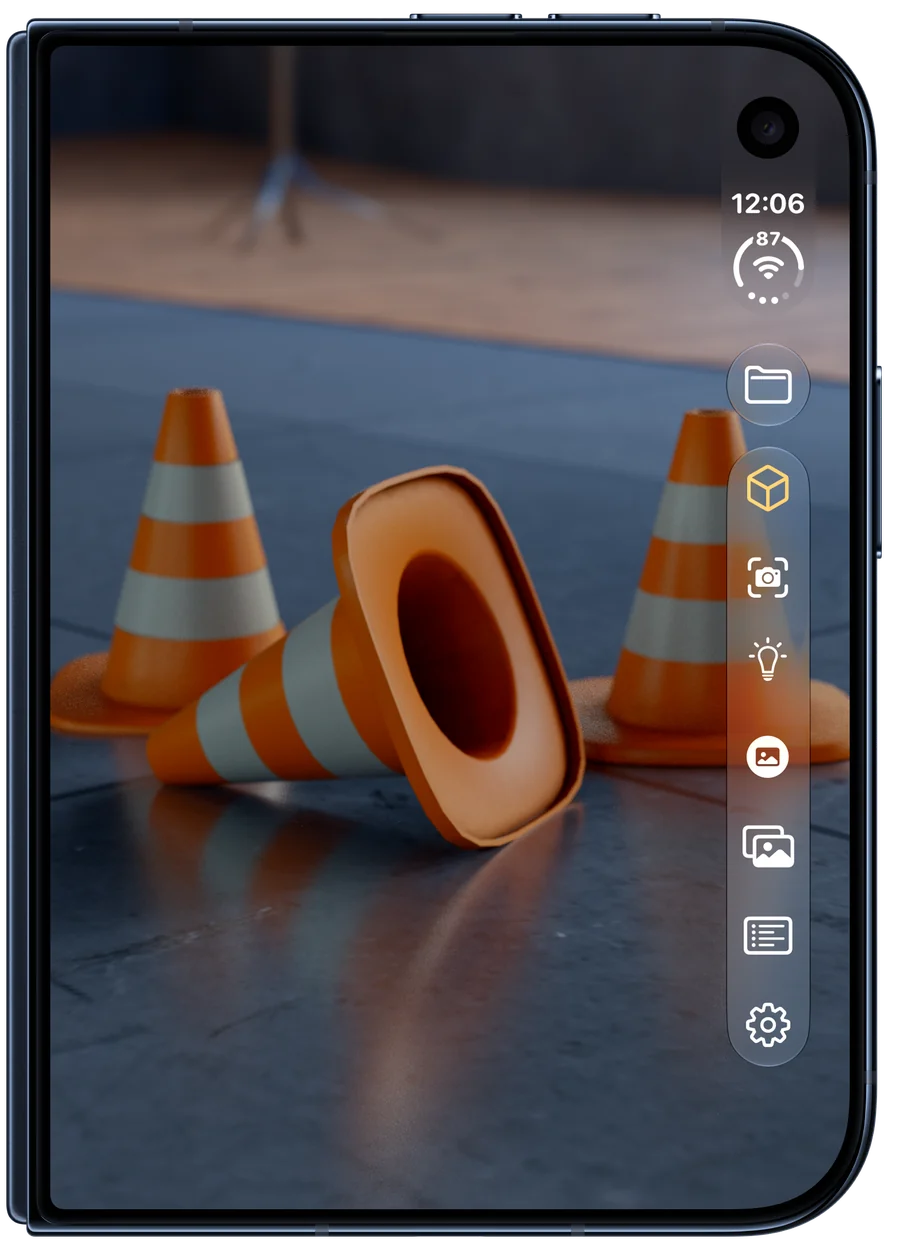
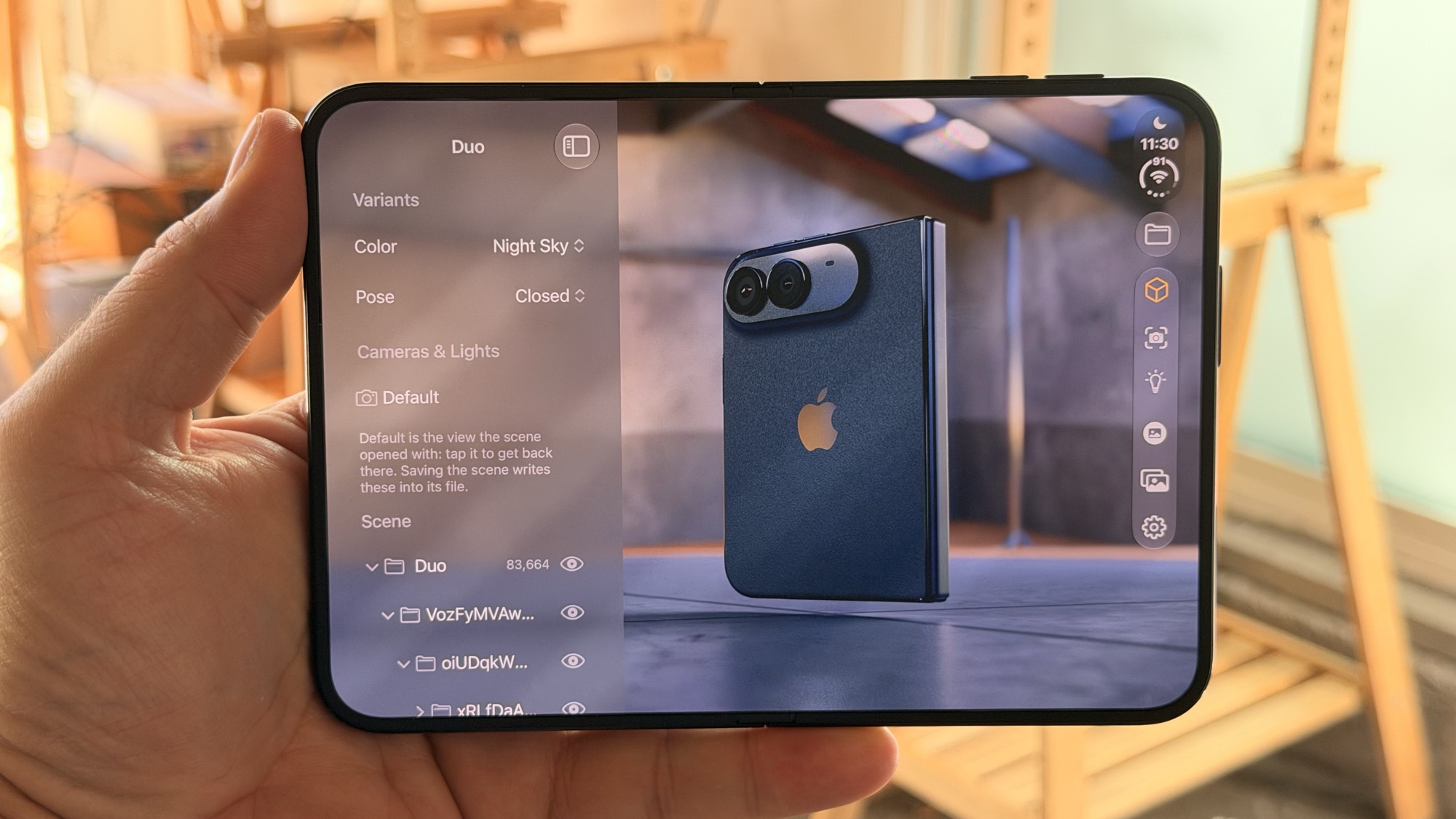
iPhone Duo, rendered on iPhone Duo
Apple's own iPhone Duo USDZ model, opened in RAYS on an iPhone Duo. Switch its Color and Pose variants, light it with an HDRI and a shadow catcher, and render it, all in your hand.
Now on iPad
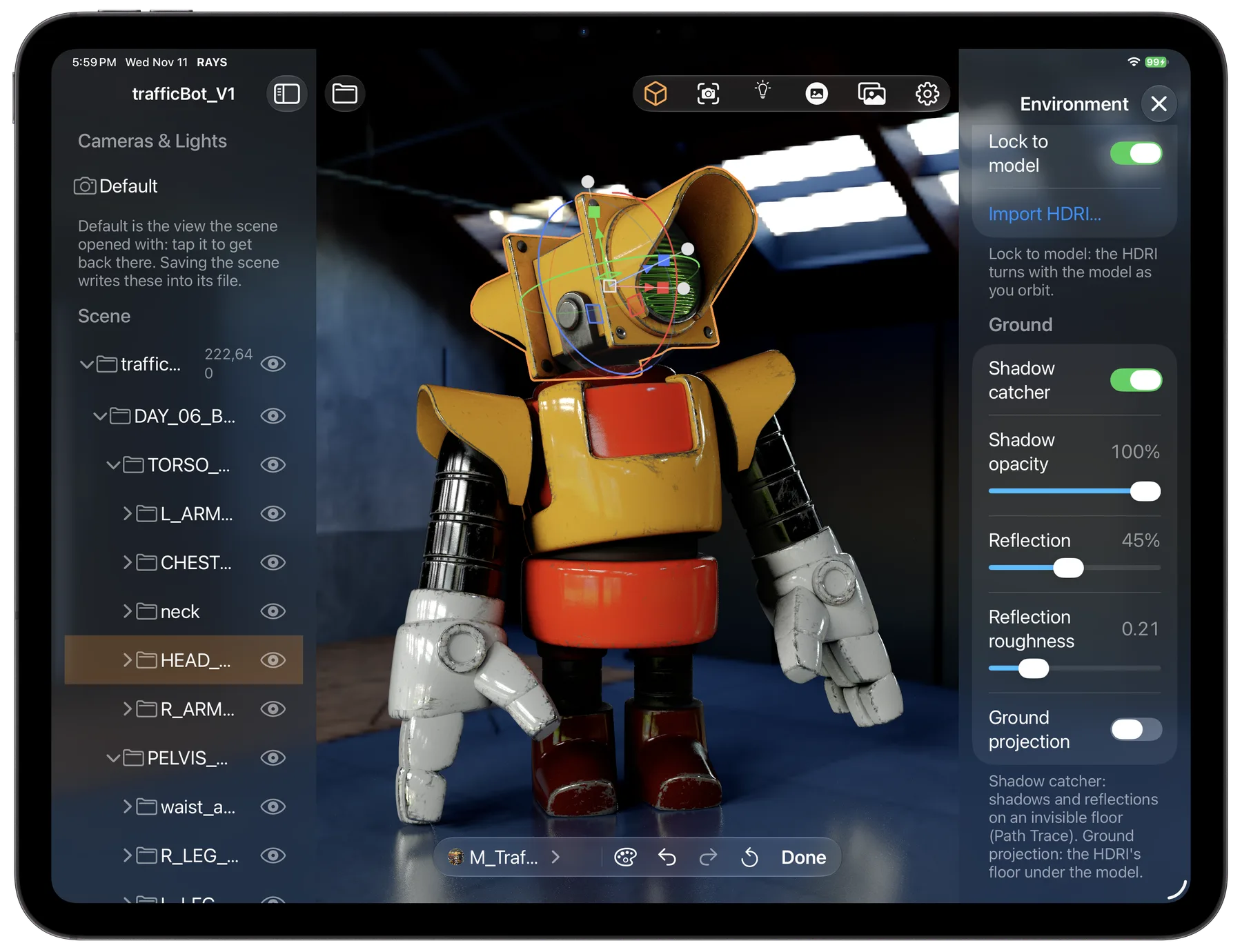
RAYS runs natively on iPad, with the Scene list, your render and the panels side by side. Save a scene on your iPhone, AirDrop it to your iPad and pick up right where you left off: the models, lights, cameras and HDRI all travel in one file.
Rendered by RAYS
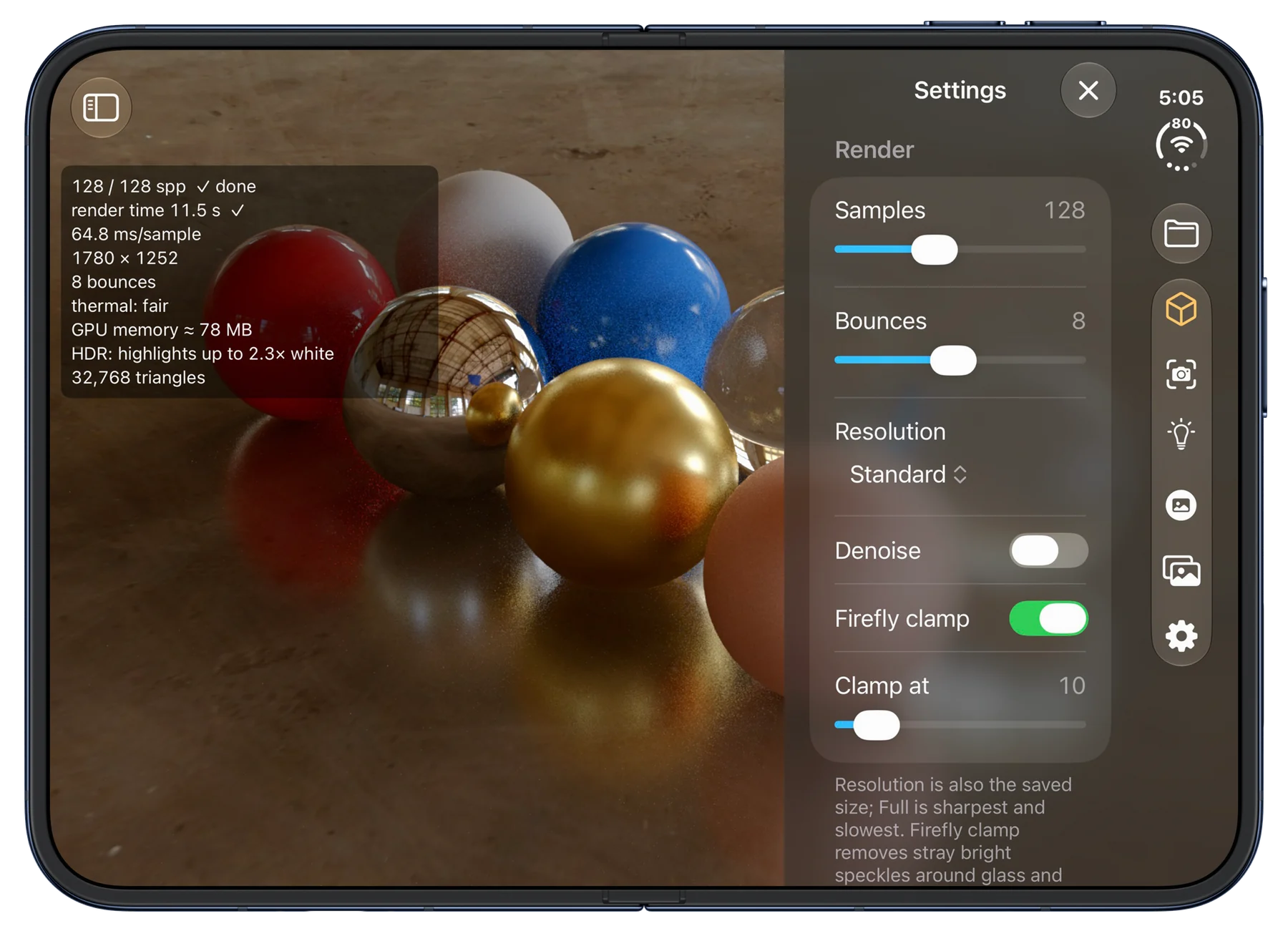
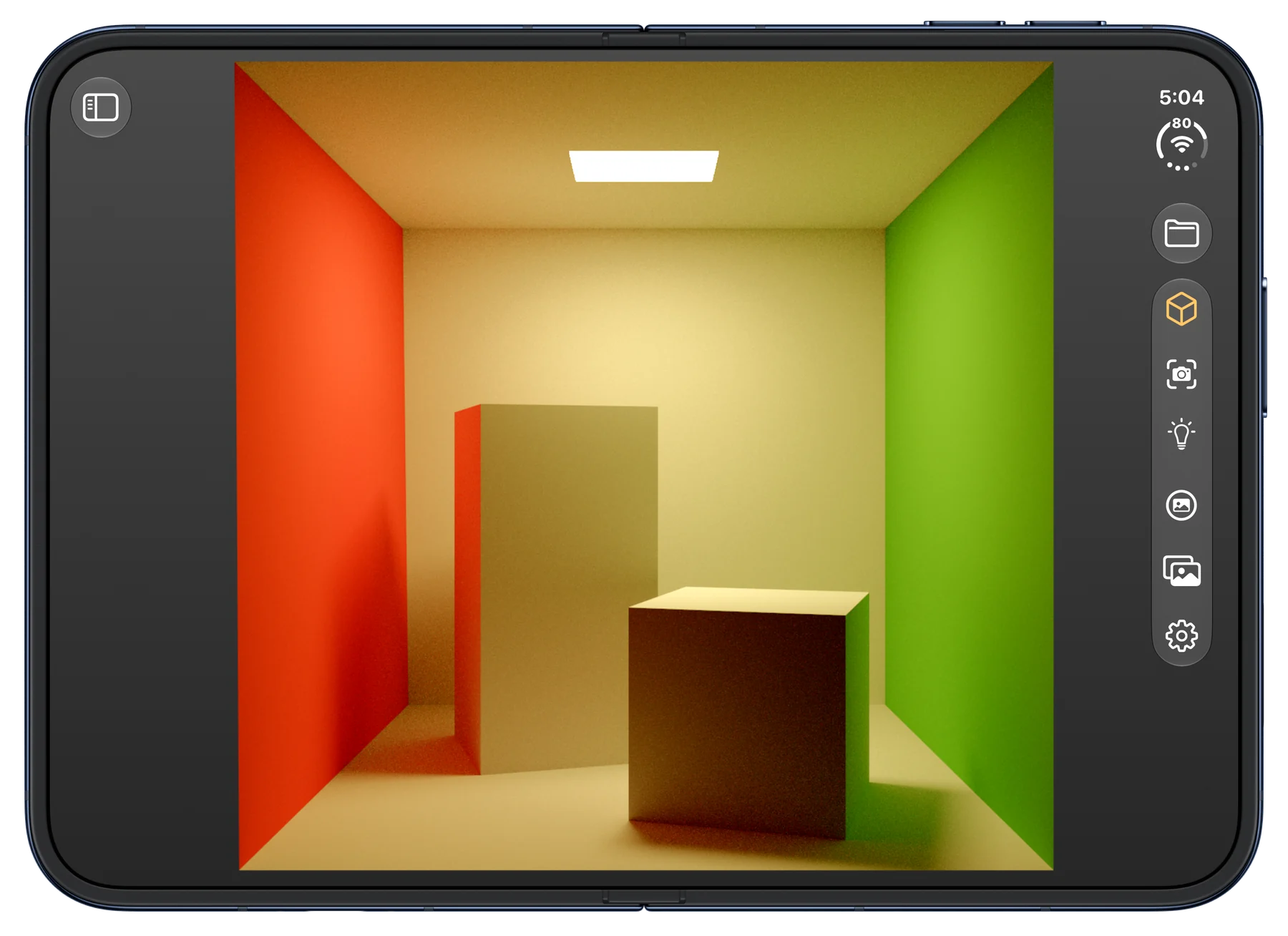
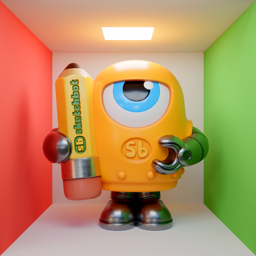
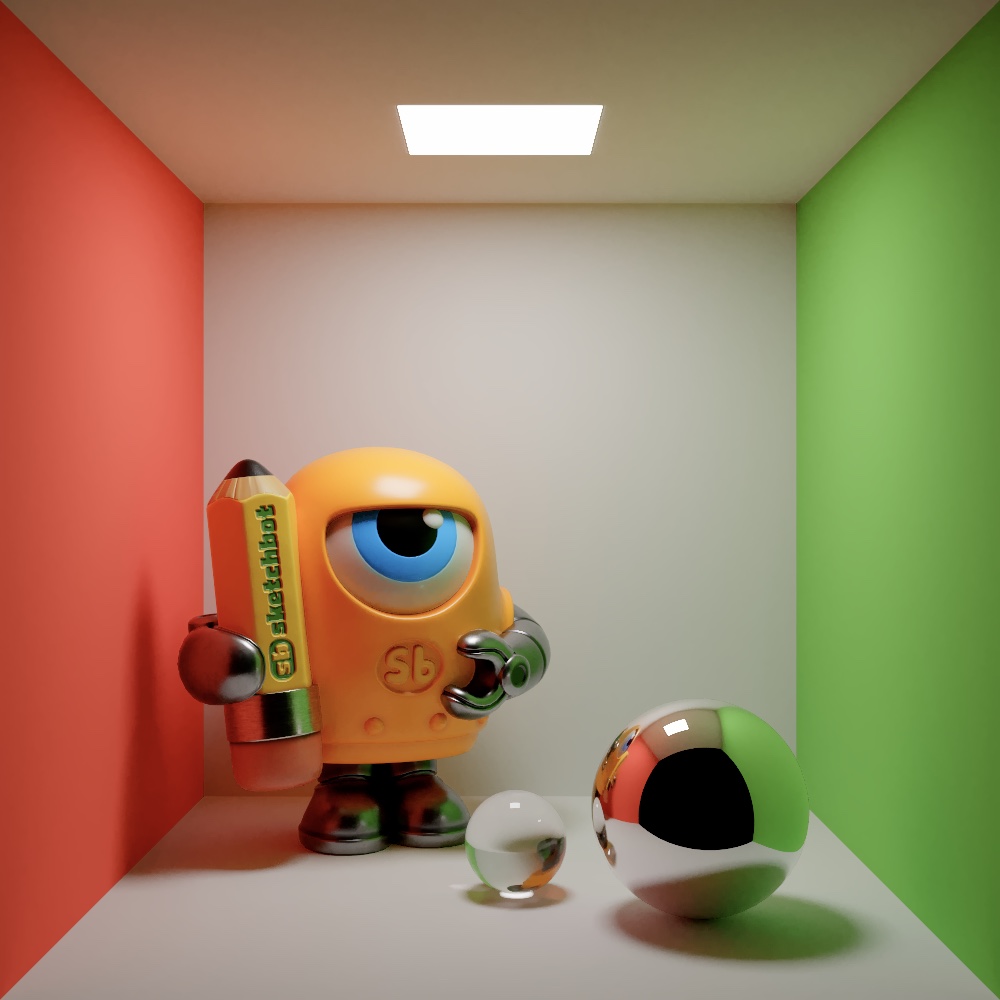
Hit Render and the image comes together in front of you: soft shadows, reflections, glass and the color bounce from every wall, refining with every sample. It's a progressive path tracer: one full light path for every pixel, every frame, until the noise is gone.
The Cornell box: computer graphics' most famous test scene, built from Cornell's published measurements.